Charging Issues with AnkerWork H300 Headset
What should I do if I can't charge the headset via the charging stand?
- Align the charging pins on the headset and the charging stand. You will see a blue light flash slowly as the headset charges.
- Use a different charging cable and a certified wall charger with at least a 5V/1A output. If you use a charger or USB port with a low output, AnkerWork H300 may not charge correctly.
- Check for moisture and dry off the USB-C charging port before charging.
If you encounter any issues or need any help, please email support@ankerwork.com for further assistance.


7 undefined

PowerConf H700 A3510 Quick Start Guide
PowerConf H700 A3510 User Manual
A3511 PowerConf H500 DOC
A3511 EU DOC
PowerConf H500 A3511 Quick Start Guide
PowerConf H500 A3511 User Manual
View More

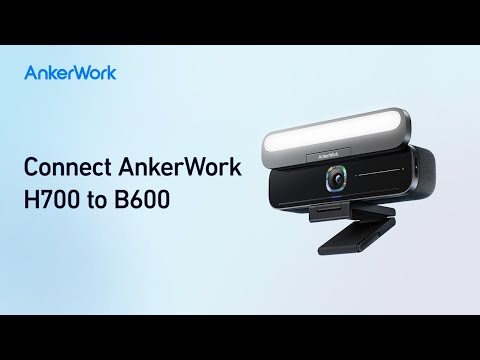
How to Connect AnkerWork H700 to B600
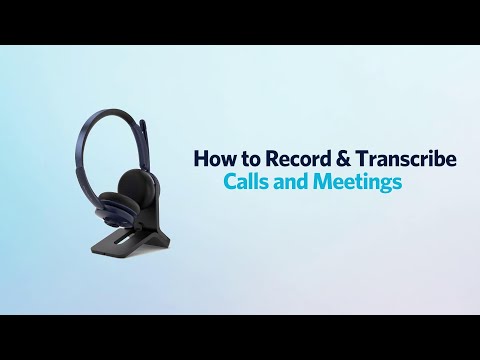
How to Record & Transcribe Calls and Meetings
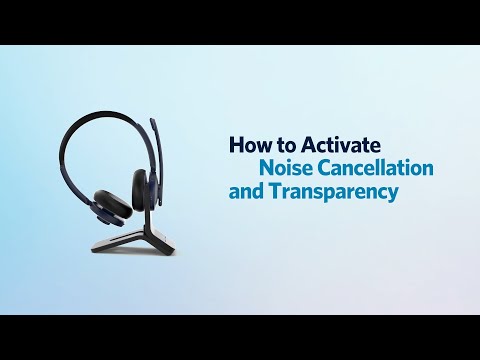
How to Activate Noise Cancellation and Transparency
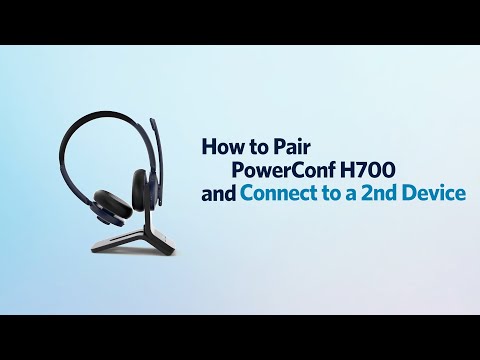
How to Pair PowerConf H700 and Connect to a 2nd Device

How to Use the AnkerWork App

How to Activate the Voice Assistant
View More