Follow Up: A3510/A3511 Anker PowerConf H700/H500's Mute function
Hi Anker PowerConf H700/H500 user,
Thank you for choosing PowerConf. Here are some tips on how to solve any problems you may be having with the headset's mute function:
First, download the latest version of the AnkerWork software or AnkerWork app.
The AnkerWork software is available at software.ankerwork.com, while the AnkerWork app is available on Google Play and the App Store.
We regularly release new versions of the app and firmware. To get the best performance, make sure your version of the app, software, and firmware are all up to date.
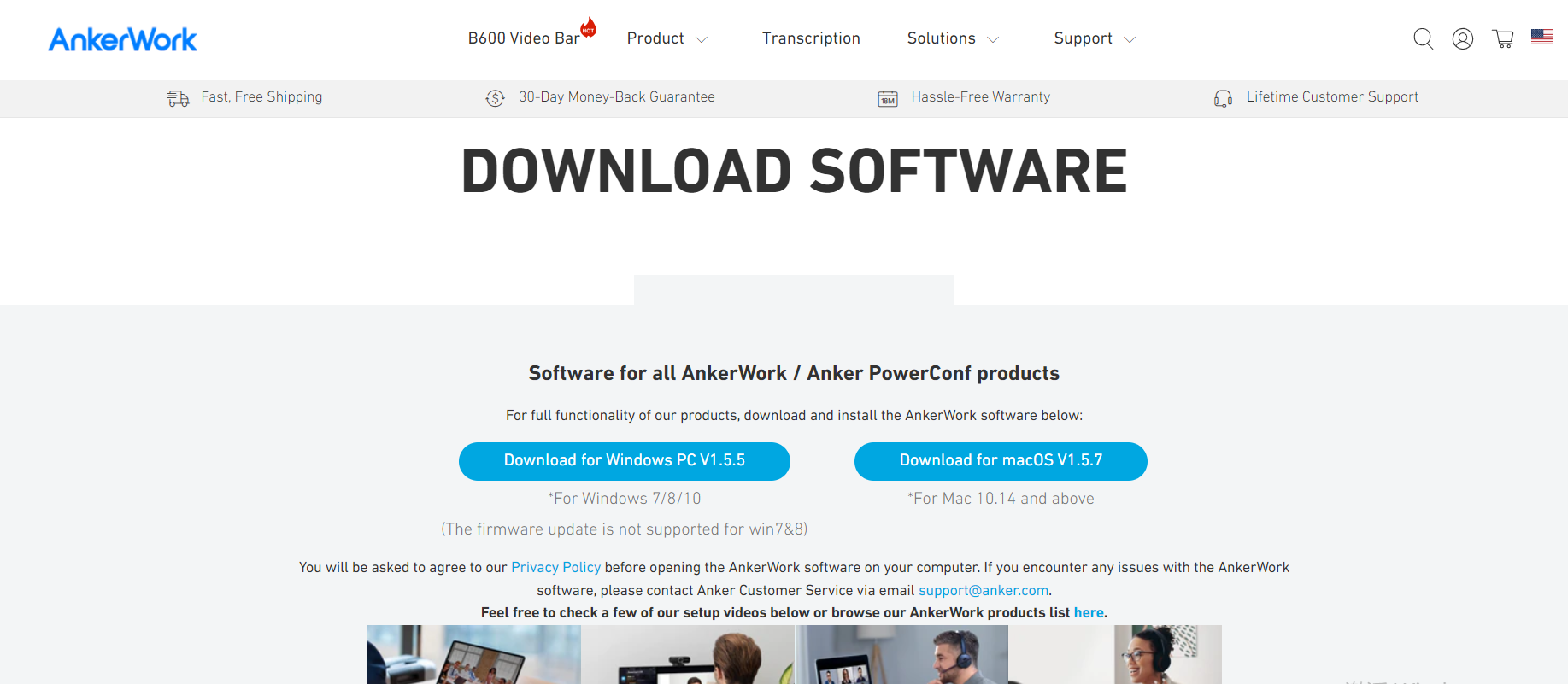
Google Play:

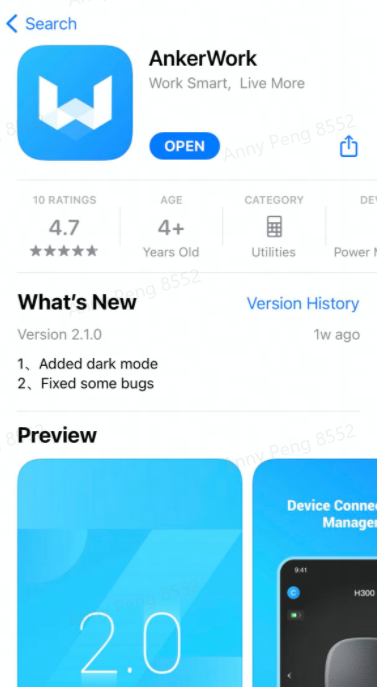
App Store:
Next, adjust the headset to ensure it fits snugly. If your headset is too loose, it may mute or unmute by accident. To find out more, check out this article: What do I do if my headset mutes/unmutes while I'm using it?
If you're still having issues with the mute function, try resetting the headset. To reset, press the power button and control knob simultaneously for 5 seconds until the LED indicator on the mic boom flashes red for 5 seconds.
Don't forget that Anker PowerConf H700/H500 comes with an 18-month warranty plus lifetime technical support. If you encounter any issues or have any questions don't hesitate to contact us via the AnkerWork software help page or email us at support@ankerwork.com and we'll respond within 24 hours.
Thank you for choosing PowerConf. Here are some tips on how to solve any problems you may be having with the headset's mute function:
First, download the latest version of the AnkerWork software or AnkerWork app.
The AnkerWork software is available at software.ankerwork.com, while the AnkerWork app is available on Google Play and the App Store.
We regularly release new versions of the app and firmware. To get the best performance, make sure your version of the app, software, and firmware are all up to date.
Google Play:
App Store:
Next, adjust the headset to ensure it fits snugly. If your headset is too loose, it may mute or unmute by accident. To find out more, check out this article: What do I do if my headset mutes/unmutes while I'm using it?
If you're still having issues with the mute function, try resetting the headset. To reset, press the power button and control knob simultaneously for 5 seconds until the LED indicator on the mic boom flashes red for 5 seconds.
Don't forget that Anker PowerConf H700/H500 comes with an 18-month warranty plus lifetime technical support. If you encounter any issues or have any questions don't hesitate to contact us via the AnkerWork software help page or email us at support@ankerwork.com and we'll respond within 24 hours.


43 undefined

PowerConf H700 A3510 Quick Start Guide
PowerConf H700 A3510 User Manual
A3511 PowerConf H500 DOC
A3511 EU DOC
PowerConf H500 A3511 Quick Start Guide
PowerConf H500 A3511 User Manual
View More

How to Connect AnkerWork H700 to B600
How to Record & Transcribe Calls and Meetings
How to Activate Noise Cancellation and Transparency
How to Pair PowerConf H700 and Connect to a 2nd Device

How to Use the AnkerWork App

How to Activate the Voice Assistant
View More