How can I access recording files from M650's safe mode?
M650 has a safe mode that records a backup audio track at 6dB in case the sound source gets too loud and causes distortion to the main channel. However, some users may wonder how to access the audio file from the safety track.
Please note that the safety track only works on the receiver AUX out and does not generate a separate recording file. If you require the audio file from the safety track, the device that is connected to the microphone must support dual-channel recording. The audio file recorded on the R channel of the connected device will be the safety track recording file.
If you have additional questions, please contact us for further assistance.


27 undefined

M650 Wireless Microphone A3320 Manual
AnkerWork M650 Phone Compatibility List
【A3320】EU Declaration

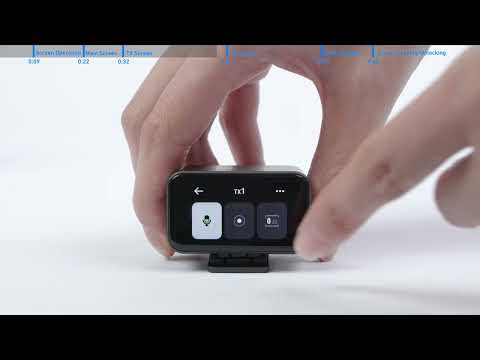
How to Use the Transmitters
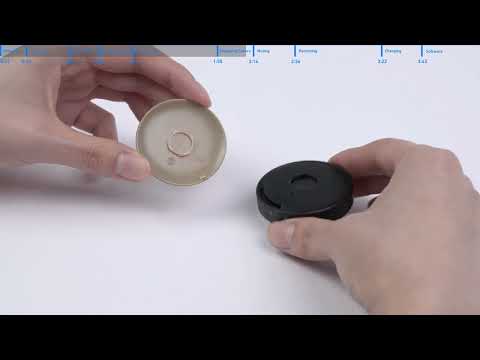
How to Use AnkerWork M650 Wireless Microphone