How to Fix PowerConf Mic Issues
- Check the audio input/output settings on your computer.
- Check whether the microphone is muted.
- Reboot the conference app you are using, check the network settings, and try again.
- Upgrade the Bluetooth dongle and the firmware version of PowerConf H500/H700.
- Ensure the headphones are close to your device.
Note: We recommend using the Bluetooth dongle when you are in a conference call on a computer so that you can enjoy a better microphone performance.
If you have additional questions, please contact us at support@ankerwork.com for further assistance. Make sure to mention that you have tried the steps in this FAQ so our agents do not ask you to repeat these steps.


43 undefined

PowerConf H700 A3510 Quick Start Guide
PowerConf H700 A3510 User Manual
A3511 PowerConf H500 DOC
A3511 EU DOC
PowerConf H500 A3511 Quick Start Guide
PowerConf H500 A3511 User Manual
View More

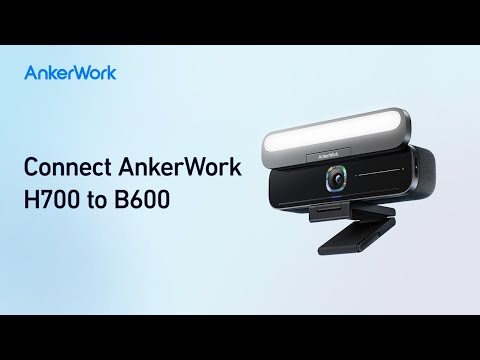
How to Connect AnkerWork H700 to B600
How to Record & Transcribe Calls and Meetings

How to Activate Noise Cancellation and Transparency
How to Pair PowerConf H700 and Connect to a 2nd Device

How to Use the AnkerWork App
How to Activate the Voice Assistant
View More