Using two or more M650 Microphones simultaneously
You can use two or more M650 microphones simultaneously to connect to the same device for recording or live streaming. To ensure that this setup works smoothly and provides the best sound quality, please read the following:
- We recommend connecting the receivers of the two sets of M650 to the same device, which needs to support mic-in input with more than two channels (such as a multi-channel input sound card). If the two RX are connected to different devices, there may be a delay between the devices, which will cause abnormal sounds during the final mixing.
- The distance between the TX and the user's mouth and the distance between the TX and another TX should follow the 3:1 principle, as shown in the figure below:

(If the distance between the user's mouth and the first transmitter is 10 cm, the distance between the two transmitters should be at least 30 cm.)
In summary, if you want to use multiple sets of M650 for recording or live streaming, connect the receivers to the same device and follow the recommended distance between transmitters.
If you have additional questions, please contact us for further assistance.


27 undefined

M650 Wireless Microphone A3320 Manual
AnkerWork M650 Phone Compatibility List
【A3320】EU Declaration

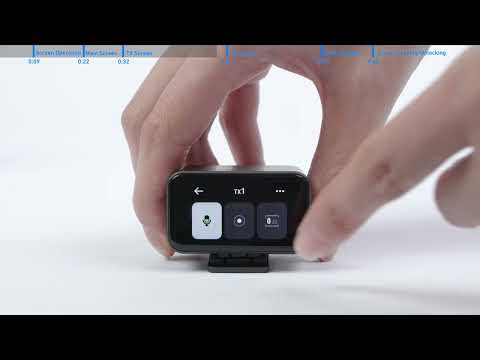
How to Use the Transmitters
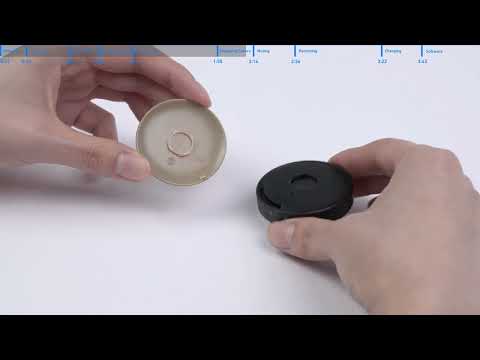
How to Use AnkerWork M650 Wireless Microphone