What If You Forget the Password of AnkerWork App

If you forget your password, you can reset your password by following these steps:


Computer Software

1. Click "Forgot password" on the login page.
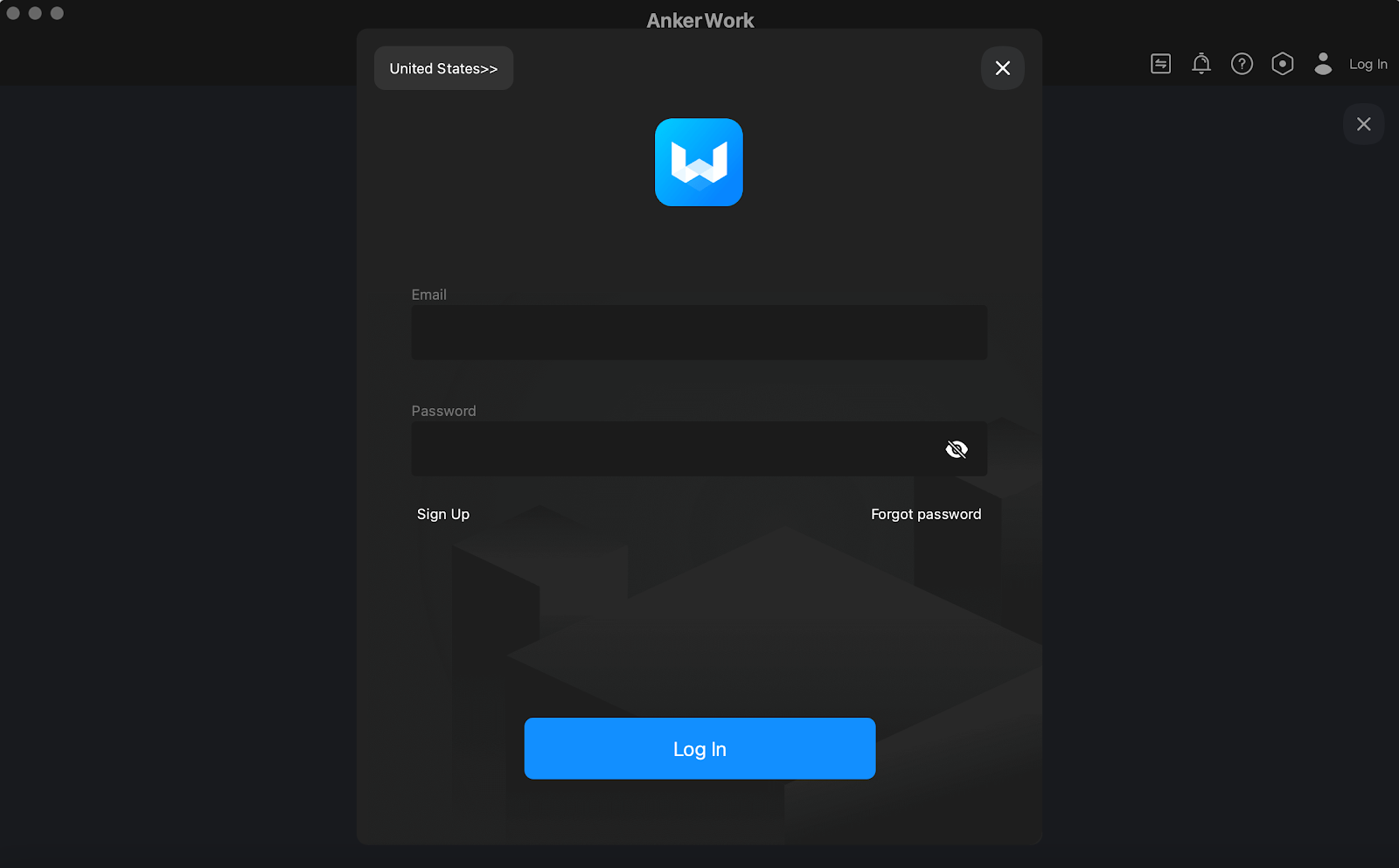
 

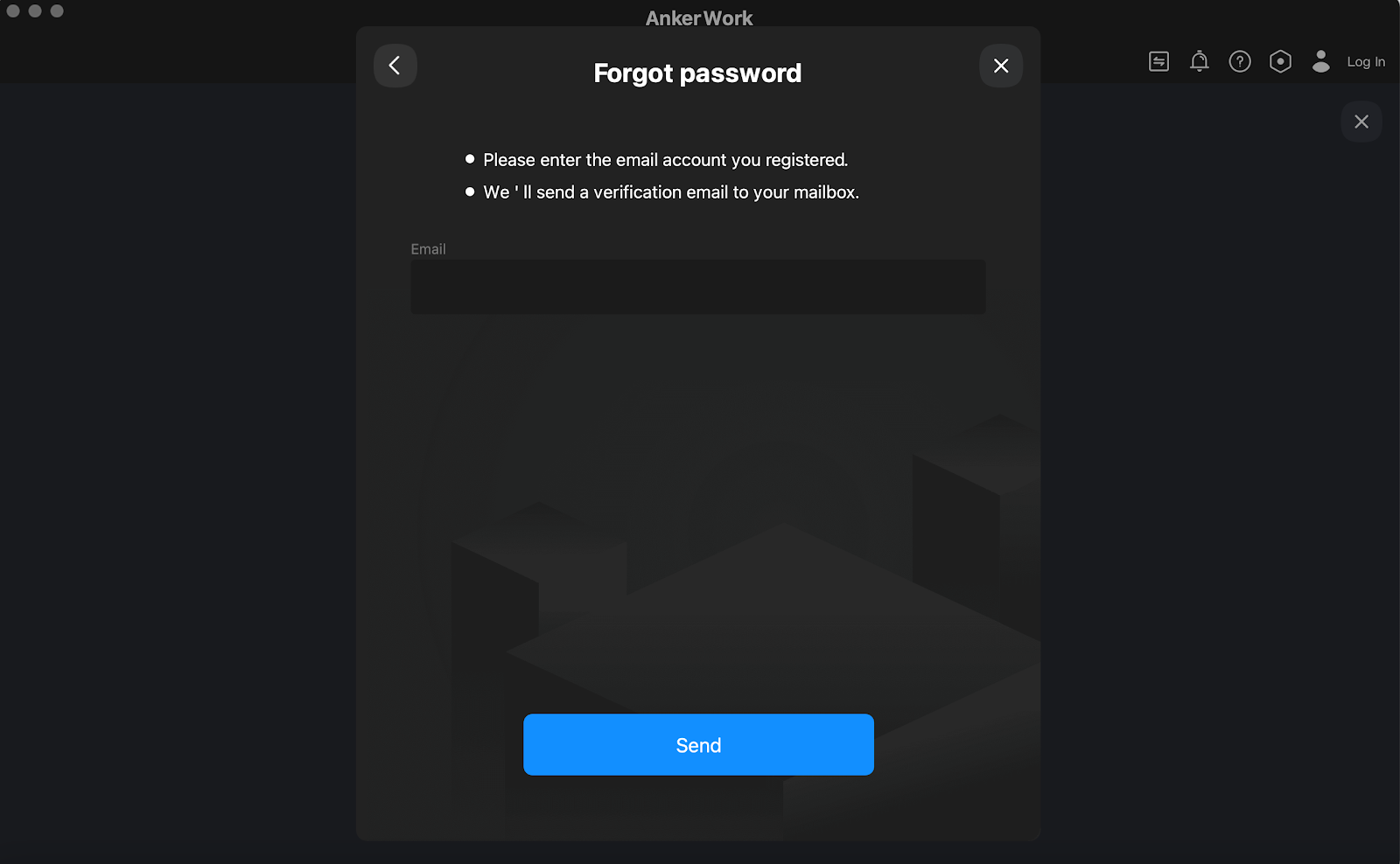
2. Enter the email account you registered with and a verification email will be sent to your mailbox.
 

3. Check your mailbox, copy the verification code, and click the link in the email. You will then enter the password reset page.

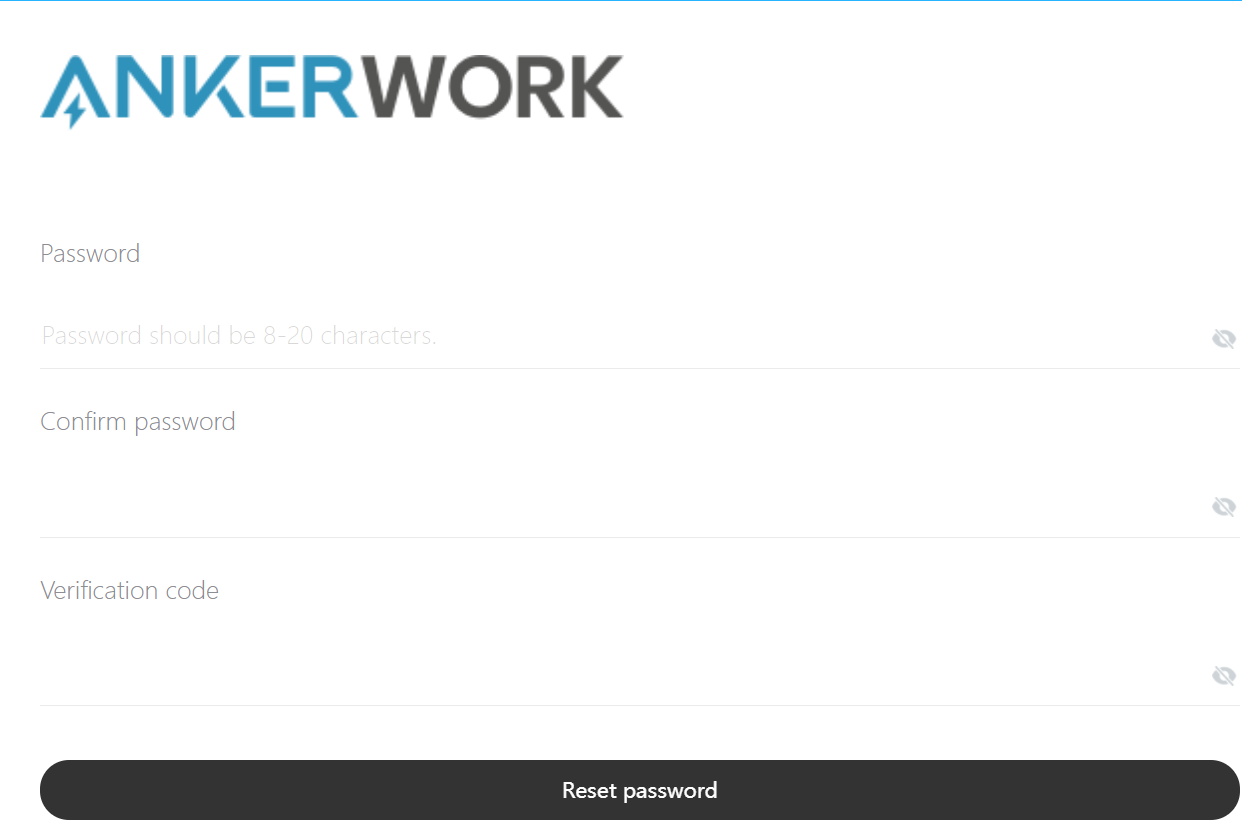
 

4. Input your new password and paste the verification code, then click "Reset password". After that, you can log into the AnkerWork Software with your new password.


Mobile App

1. Click "Forgot password" on the login page.
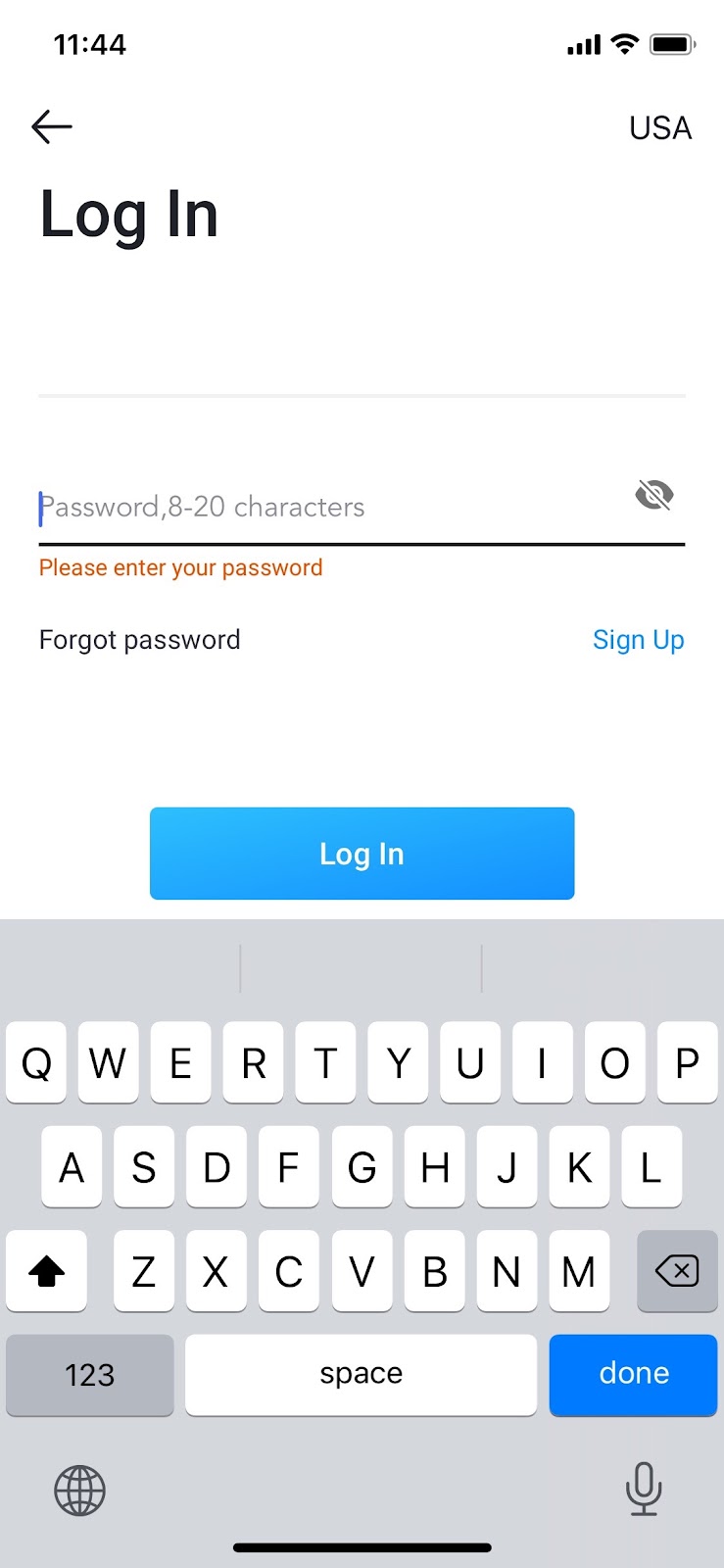
 

2. Enter the email account you registered with and a verification email will be sent to your mailbox.
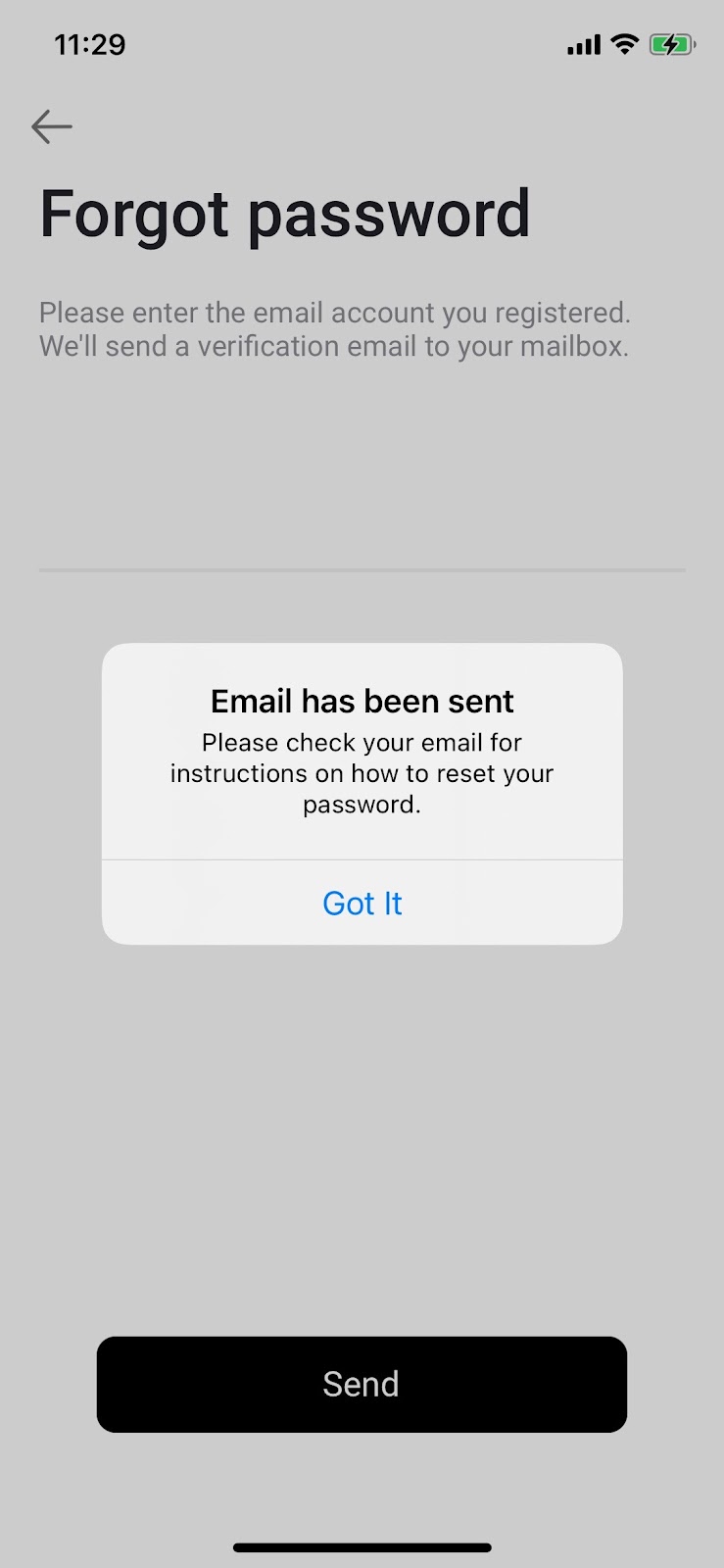
 

3. Check your mailbox, copy the verification code, and click the link in the email. You will then enter the password reset page.

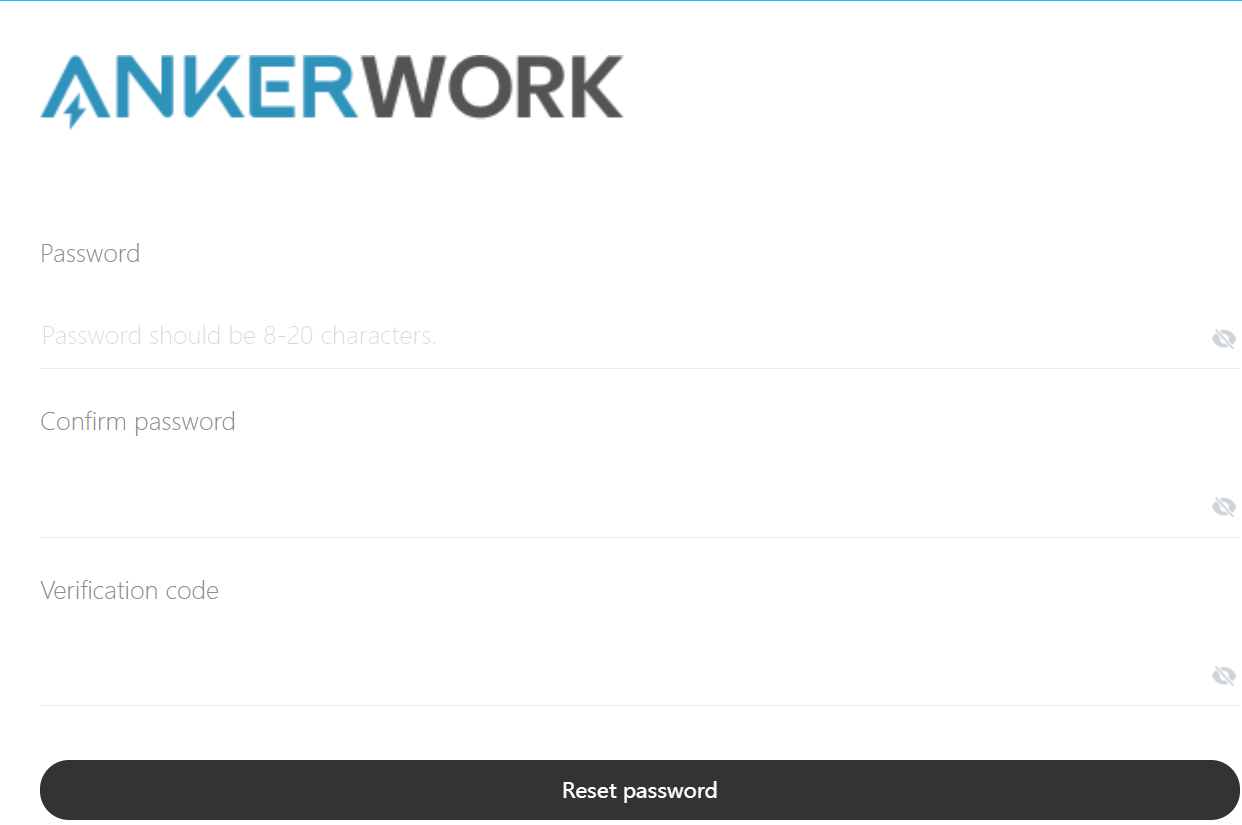
 

4. Input your new password and paste the verification code, then click "Reset password". After that, you can log into the AnkerWork app with your new password.


If you have additional questions, please contact us for further assistance.

What If You Forget the Password of AnkerWork App
256 undefined
How to Update the Firmware of a PowerConf Speakerphone?
6670 views/1 likes/2025-04-08 17:19:06
How Do I Set Up PowerConf C200?
28744 views/4 likes/2022-01-04 15:00:27
How to Install and Use AnkerWork Software on the Webcam?
5428 views/1 likes/2025-04-08 17:19:14
How to Reset a PowerConf Speakerphone?
3019 views/1 likes/2025-04-08 17:19:03
A Brief Comparison among Anker PowerConf Speakerphones
2764 views/1 likes/2025-04-08 17:19:06
How to Connect PowerConf and PowerConf S3 with Your PC?
10761 views/1 likes/2023-03-17 09:42:19
How to Locate the Serial Number on AnkerWork Products?
2635 views/1 likes/2025-04-08 17:19:14
Parts & Accessories
2415 views/1 likes/2025-04-08 17:19:06
How to Connect Two PowerConf S500 Together?
1382 views/1 likes/2025-04-08 17:19:25
A3961 QSG V2(1)
Liberty 4_A3953_QSG
Q20i_QSG
EU Declaration of Conformity for soundcore A3i_A3992
UK&CA Declaration of Conformity for soundcore Liberty 4_A3953
EU&UK Declaration of Conformity for soundcore Sleep A10_A6610
View More
How to use Liberty 4 Wellness features
How to Connect to the Soundcore App and Update Firmware for Sport X10
How to Wear Liberty 4 and Change Eartips
How to solve a connection issue on Sleep A10
How to Use Features On the Soundcore App for Sport X10
How to Pair and Reset Sport X10
View More


