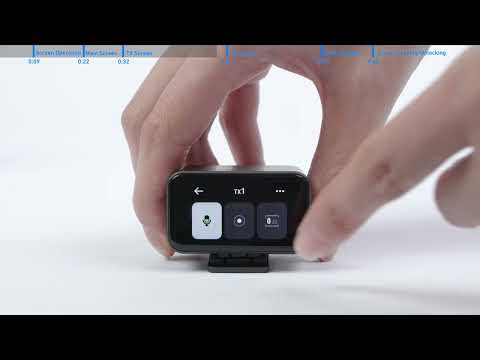
When you receive your M650, you will need to complete the initial setup, which includes setting the language. If you accidentally select the wrong language, there are two ways to correct it:
1. Connect M650 to your computer via USB cable and open the AnkerWork software. In Device Settings, select the receiver icon, go to Device Language, and select the language you wish to use. Try setting the language to a non-English language first, then reset it to English to see if the receiver can sync.
2. If resetting the language does not work, you can restore M650 to its factory settings. In Device Settings, select the corresponding device (RX1, RX2, or TX) and click on Firmware Info. A firmware upgrade page will appear, and you will see the option to restore factory settings at the bottom of the page. After the reset, you will need to set up the M650 again and select the correct language.
Note that restoring factory settings will erase all settings and data, so be sure to back up any important information before proceeding.
If you have additional questions, please contact us for further assistance.