How do I set up Linking mode?
You can link up to five AnkerWork SR500 Speakerphones for meeting rooms of different sizes.
1. Plug the provided power adapter into a speakerphone.
2. Connect the LAN output port of one speakerphone to the LAN input port of another speakerphone with a PoE ethernet cable.
3. Connect any speakerphone in the chain to your computer using the provided USB cable. Use the USB converter if necessary.
Note:
1. The speakerphone connected to your computer is the primary device. Its settings apply to the other speakerphones in Linking mode.
2. Make sure to power the first speakerphone instead of the others in the chain
3. The LED light bar will flash to indicate Linking mode was set up successfully.


12 undefined
Payments & Vouchers FAQ


AnkerWork SR500 FAQ
How do I update AnkerWork SR500's firmware?
How do I set up Linking mode?
What settings can be controlled by the Anker Work software?
Can I connect AnkerWork SR500 with my smartphone?
How do I set up AnkerWork SR500 with my meeting software?
How do I improve AnkerWork SR500's ability to pick up voices?
How do I set my AnkerWork SR500 as the default audio device on my Windows computer?
How do I set my AnkerWork SR500 as the default audio device on my Mac?

AnkerWork SR500_A3311_Manual
AnkerWork SR500 Пайдаланушы нұсқаулығы (A3311)
soundcore AnkerWork SR500 Foydalanuvchi qo‘llanmasi (A3311)
Anker PowerConf S3 MS_QSG
Anker PowerConf S3 MS_Declaration_of Conformity
AnkerWork S600 Speakerphone מדריך למשתמש (A3319)
View More

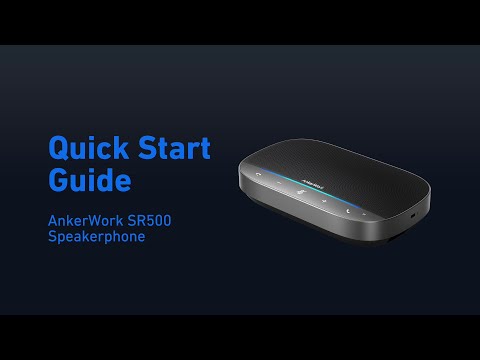
How To Set Up AnkerWork SR500

How to set up AnkerWork S600 Speakerphone